· Delowar Hossain · Security · 2 min read
Starting With Android App Testing
A step-by-step walkthrough of setting up an Android app testing environment with adb, Genymotion, and Frida — and bypassing SSL certificate pinning.
Installing adb: https://www.xda-developers.com/install-adb-windows-macos-linux/
Genymotion: https://www.genymotion.com/fun-zone/
Genymotion Shell: devices list
adb devices If there is no device, connect adb connect ip:5555
Install python3 by downloading or from Microsoft Store and then verify it via python command.
Download and run https://bootstrap.pypa.io/get-pip.py
Verify it via pip3 -V command.
Now our machine is ready to install frida.
Install it via pip3 install frida-tools
Hands on ADB:
adb shell
cd /data/local/tmp
To find frida’s installation location:
pip3 list -v
Download latest frida-server for target platform form https://github.com/frida/frida/releases
unxz /path/to/file/frida-server-12.8.10-android-arm64.xz
adb root
rename server file to frida-server for easy use.
adb push frida-server /data/local/tmp/
adb shell chmod 755 /data/local/tmp/frida-server # [x86 version and not arm]
adb shell /data/local/tmp/frida-server &
frida must be added to PATH variable or executables should be run from their specific locations.
An alternate way to run frida-server
adb shell
cd /data/local/tmp/
./frida-server
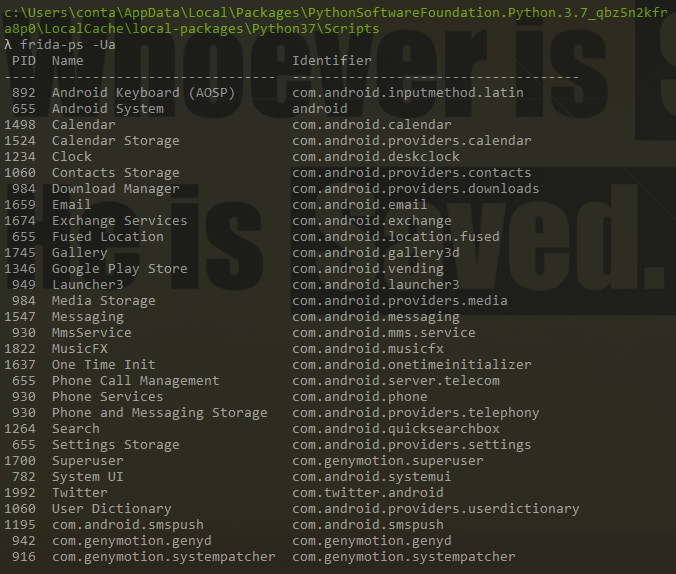
After running ./frida-server there may not be any output, test it by running frida-ps -Ua from frida executable location(if PATH is not set) and you must run it in different terminal.
Sample Output:
adb install /path/to/file.apk
Import Burp’s Certificate and rename it to .crt extension and then push it.
adb push burp-cert.crt /data/local/tmp/
rename the cert to mv burp-cert.crt cert-der.crt [As frida looks for cert-der.crt by default]
Download the repinning script from https://codeshare.frida.re/@pcipolloni/universal-android-ssl-pinning-bypass-with-frida/ and save it as frida-repinning.js and push it via
adb push /path/to/frida-repinning.js /data/local/tmp/
And finally run following:
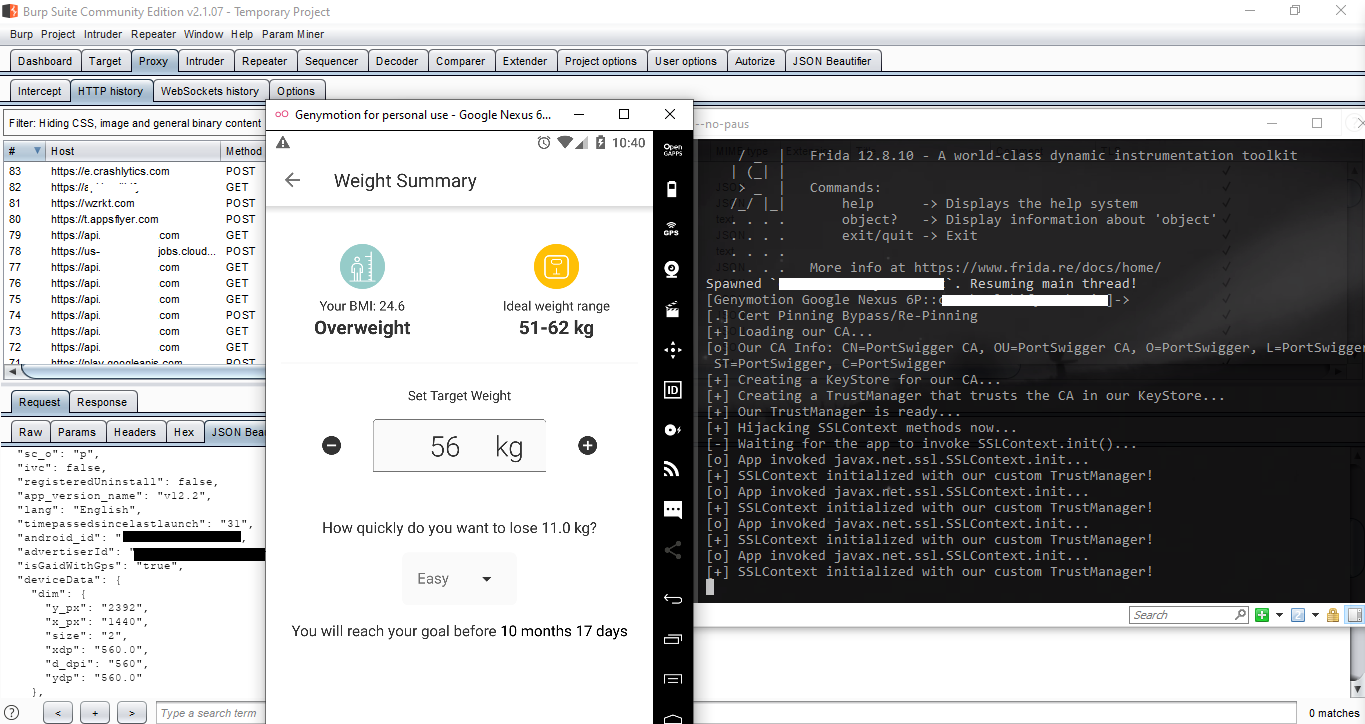
frida -U -f com.twitter.android -l C:\adb\frida-repinning.js --no-paus
Tip: Change setTimeout value to 100000 so that, the app and js can load without error.